
Week 4 Recap ~ Dev log #4
Characters, icons and actions.

Before We Dive In
To start off, we want to welcome all the new subscribers to our Substack. We jumped from 5 to 13 in just one week, and we really appreciate you being here.
Quick intro for anyone new. We’re a husband (Tal) and wife (Chana) indie dev duo building a game we are really passionate about. We both used to work as software developers. These days Chana is home with our new baby, so Tal is focused on development of the game while Chana handles marketing, the Jira board, various 3D work, keeping the good vibes, and everything else that is not code.
This week we focused on card illustrations, icons, player actions, and some roadmap and dev design planning.
Cards and Characters
We started working on several cards this week, including an asset card, a Lord character, an event card, and a merchant character.
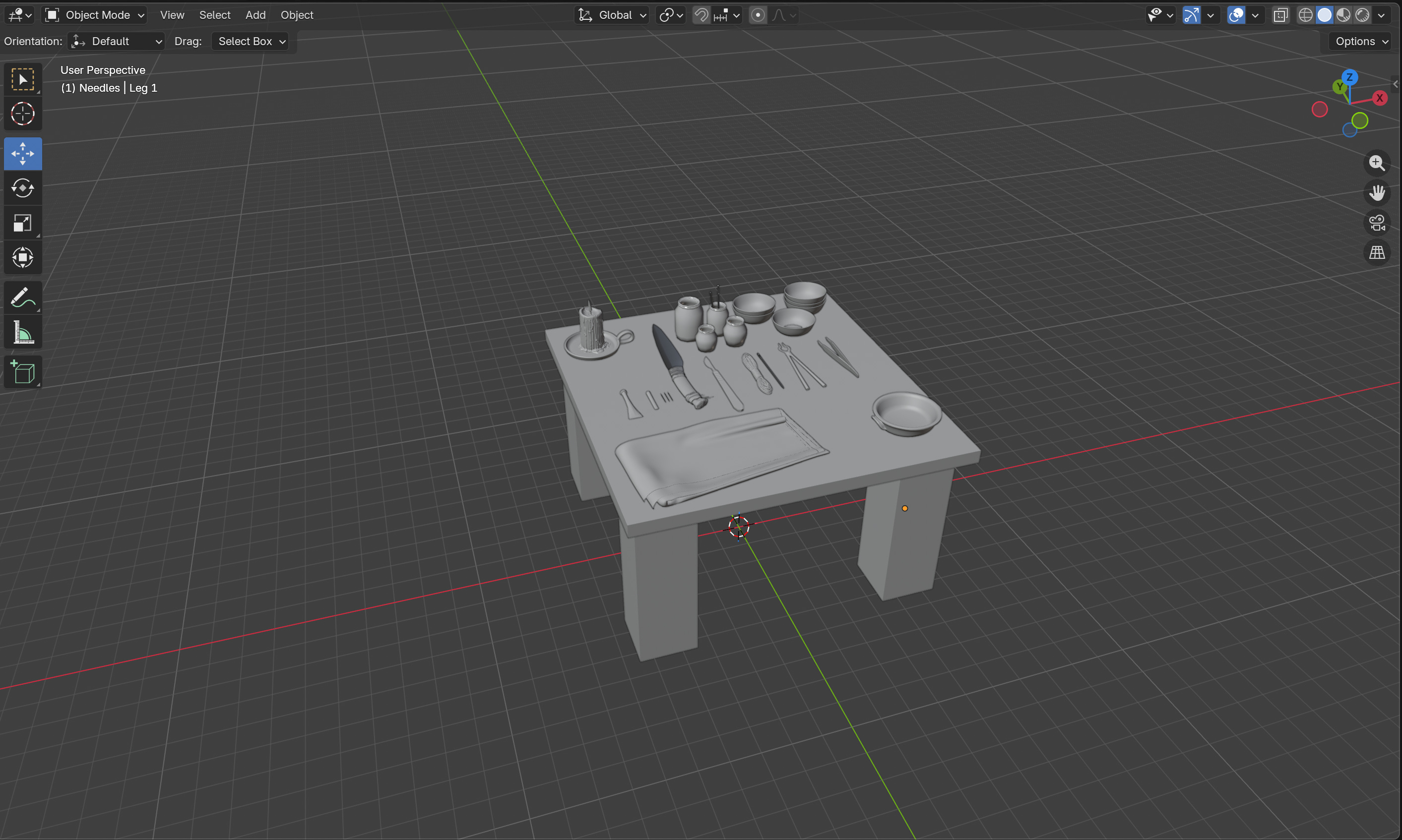
First, Chana set up a female character template to match the male characters.
Our workflow for these cards is pretty simple. Chana builds the scene in Blender. She had never used it or heard of it before this project but picked it up fast. Once the scene is ready, she passes it to Tal (the more detail oriented and artistic one of us), who handles textures in Substance, final polish, and any fixes in ZBrush before rendering it into the game.
When starting the game, players begin with a Lord and a few other characters that we have not built yet. To interact with the market and buy or sell resources, your house needs a merchant. This is not an ability you start with right off the bat, but has to be acquired during the game.
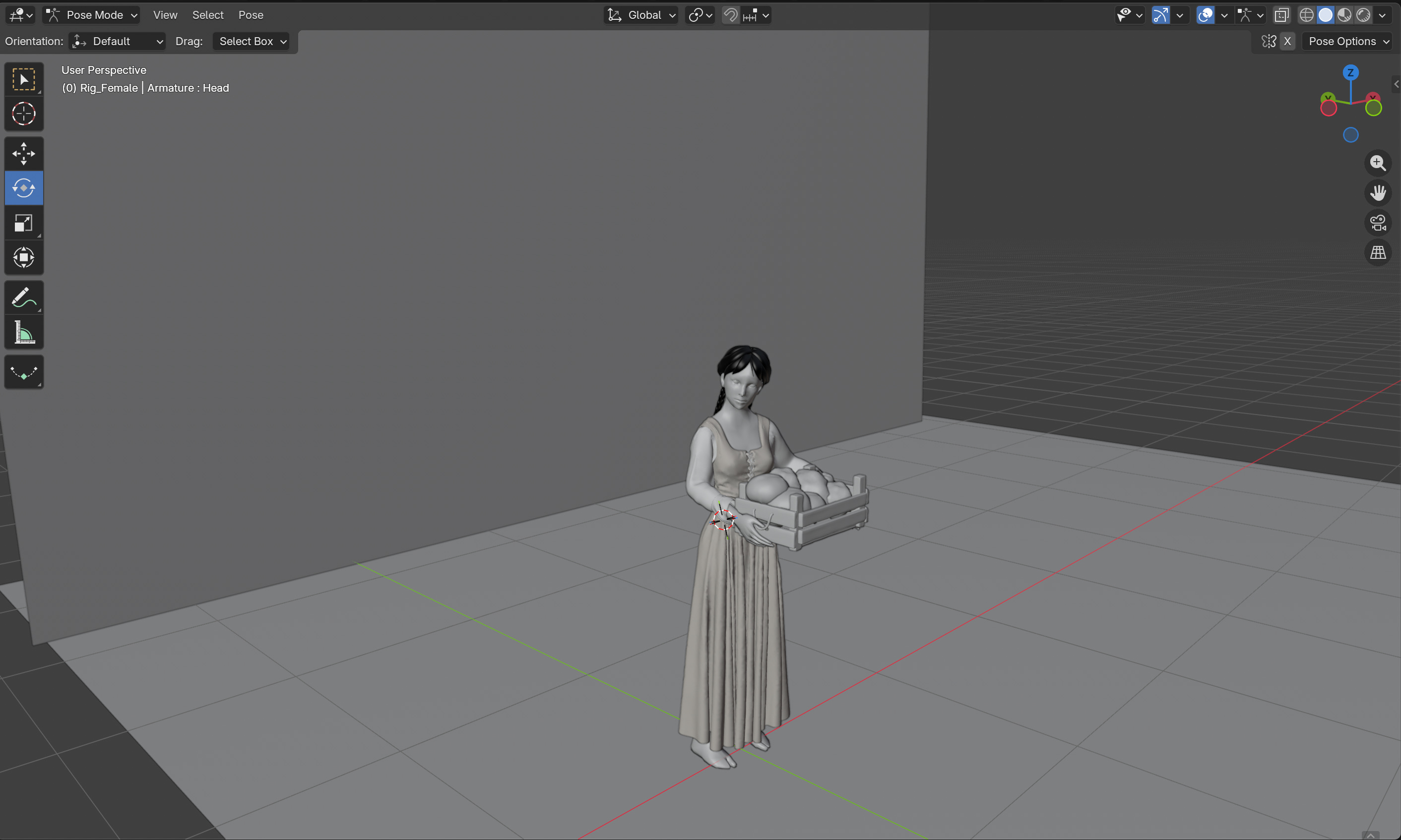
One challenge we had this week was figuring out how to export cloth simulation animations as a GLB file. We will spare you the details, but it took a full night to sort out. If anyone runs into this and needs help, feel free to reach out.
We also decided to take advantage of the fact that our card illustrations are 3D scenes. Instead of static images, we are implementing subtle animations to make them feel more alive.
Stat Icons
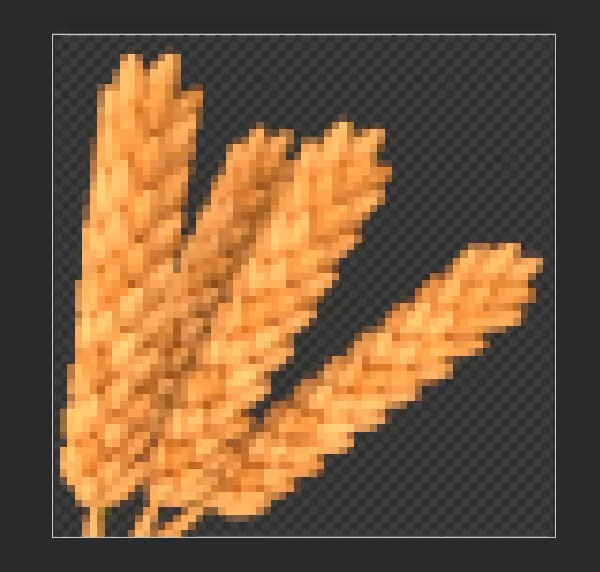
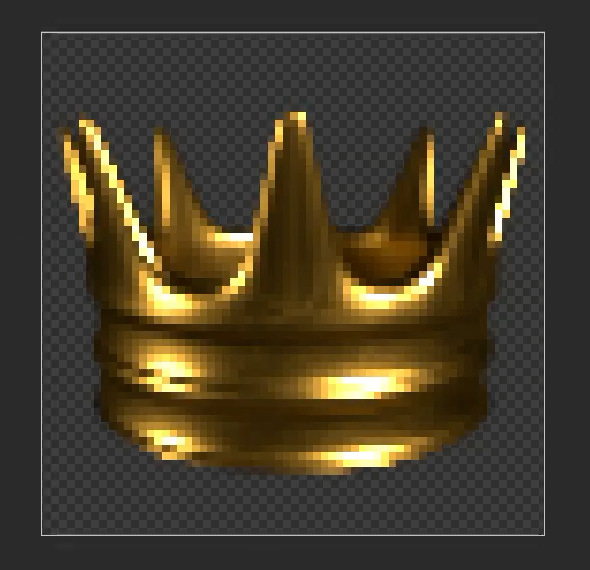
We started working on stat icons as well. Tal built a pipeline in Blender to ensure consistent pixel density across different screen resolutions so everything looks the same on all devices.
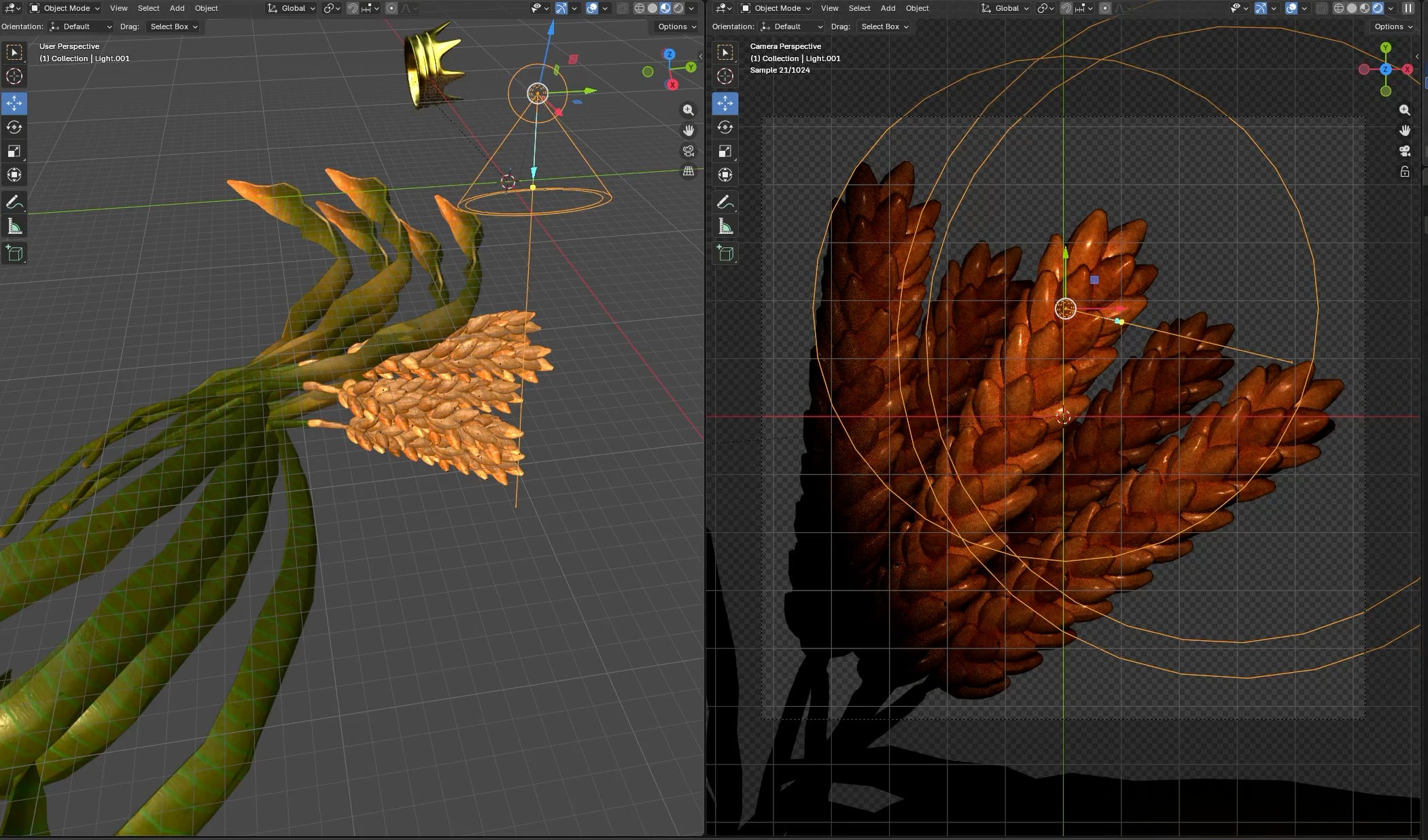
Here are two of them so far. Wheat represents agriculture, and the crown represents king alliance points.
Turn Actions
Alongside the visuals, Tal worked on some of the player actions.
We built the full list of actions and implemented the functionality for two of them. We will not reveal everything yet, but one example is “Grow Your House.” This action allows you to expand your population. It can result in gaining an heir, a lady, or 10 additional house members.
Roadmap and Dev Design
Originally, our plan was to focus purely on functionality first and leave UI styling for later so we could test mechanics early. This week we decided to change that approach.
We are now going to style as we build. We want to share more polished and interesting visuals instead of placeholders.
For next week, the goal is to push forward on styling and have more to show.
We also started thinking about automized players. The game will support both online and local play, so we need a system for game-controlled strategies. We have some ideas and hope to start working on that in this coming week if time allows.
That is a wrap for week 4 and our first full month on this project. See you in the next one!